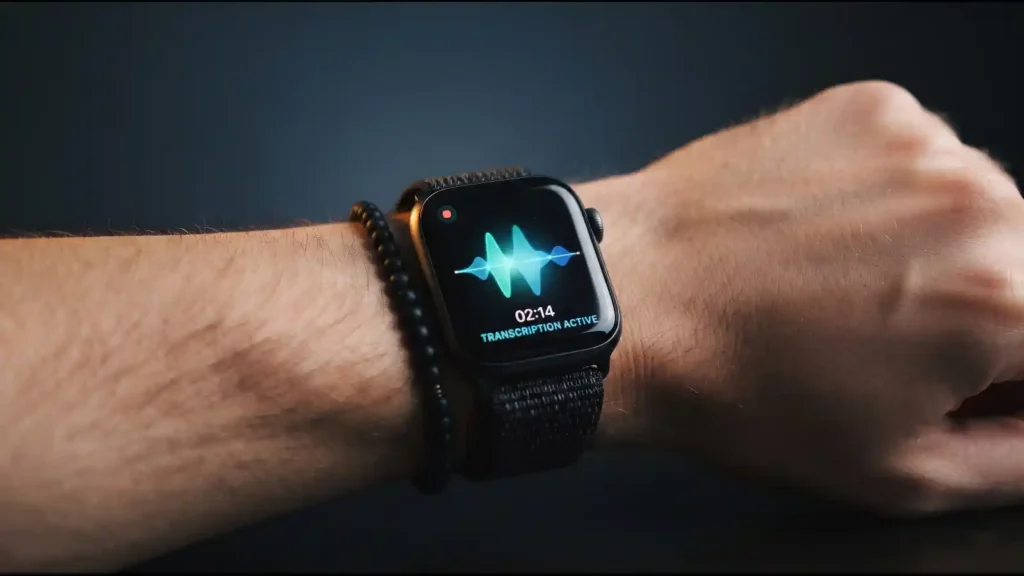
Apple's newest Apple Watch features can now listen to the people around you and turn what they say into text, and that's a bigger shift than the spec sheet makes it look. At Wednesday's "Surprise and Shine" event, Apple introduced Audio Intelligence for the Apple Watch Series 12 and Ultra 4, a set of four features that includes a tool letting wearers rewind the last 15 seconds of nearby speech and another that summarizes entire conversations into notes.
The features are called Live Rewind and Siri Recap, and they sit next to two less controversial additions: Sound Recognition, which flags sirens, alarms, and crying babies for deaf or hard-of-hearing users, and automatic Shazam song identification. Apple says none of this involves recording or storing raw audio, and that the underlying processing happens inside a hardware-isolated "Secure Exclave" on the watch's S11 chip.
That distinction matters, but it doesn't erase the basic new fact: an Apple Watch on someone else's wrist can now capture what you just said, whether you agreed to that or not.
What Apple Actually Announced
Audio Intelligence launched with four features. Sound Recognition is part of the new Health Sensing System and works even when the wearer's iPhone isn't nearby, using on-device AI to flag sounds like sirens or doorbells. Shazam-based Music Recognition identifies songs automatically. Those two aren't the ones raising eyebrows.
Live Rewind lets a wearer double press the Digital Crown to see the previous 15 seconds of speech as a text snippet. It doesn't run continuously in the background, and Apple says it doesn't save the text unless the user chooses to send it to the new standalone Siri app. Apple describes the intended use cases as catching a book recommendation, a colleague's brilliant idea, or something you missed the first time.
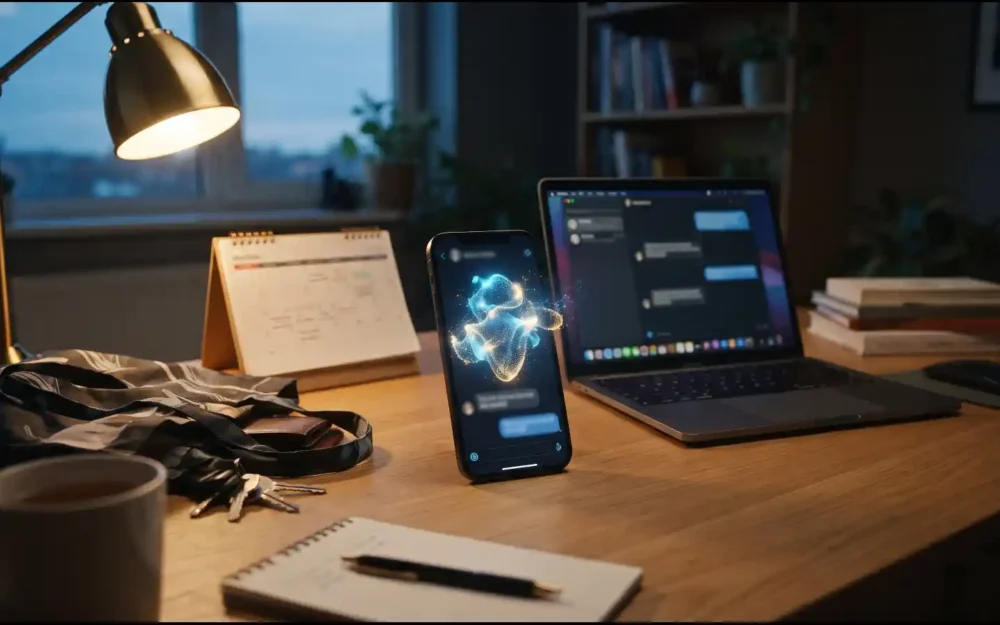
Siri Recap works differently. It uses ambient listening to generate a title, summary, and key points from an entire conversation, reviewable later in the Siri app. Apple says it's not an exact transcript, and that it doesn't identify or attribute individual speakers. Unlike some competing AI wearables, Siri Recap isn't on by default. Apple says users can schedule it for specific hours, like only during work, or toggle it manually from Control Center.
The Privacy Engineering Behind It
Apple backed the launch with an 11-page privacy paper, reviewed by 9to5Mac, that describes audio flowing from the microphone into a buffer inside the Secure Exclave on the S11 chip before being processed and discarded. The company says raw audio is never accessible, even to Apple, and that Live Rewind and Siri Recap outputs are protected with end-to-end encryption. Live Rewind also triggers an audible chime and an on-screen microphone animation, so people nearby have some signal that a recap just happened.
Both Live Rewind and Siri Recap are launching as English-only beta features later in 2026, not immediately at Series 12's release, according to 9to5Mac's reporting. Compatibility requirements reported separately by Gadget Hacks point to an eligible iPhone (16 or later, or 15 Pro and Pro Max) paired with a newer Apple Watch.
One detail worth sitting with: Apple's privacy design here is thorough on paper, but as Gadget Hacks pointed out, those claims about on-device processing and inaccessible audio remain unverified by outside researchers. No independent security audit has confirmed how the Secure Exclave handling actually works in practice. That's not unusual for a hardware launch week, but it's also not nothing.
Why It Matters
Apple is entering a category that startups like Friend and Amazon's Bee already occupy with always-on AI companions, and Apple positioned itself as the more consent-conscious alternative by making these features opt-in rather than default. That's a real design difference, and it's the kind of restraint you don't always get from a company racing to avoid ceding ground to a competitor, which TechCrunch's Sarah Perez suggested may be part of Apple's motivation here, given the pressure of AI hardware efforts from companies like OpenAI.
But opt-in for the wearer doesn't mean opt-in for the person they're talking to. Live Rewind's chime and screen animation are the only real-time signal a bystander gets, which is a subtler cue than someone visibly holding up a phone to record video. Consent-tech companies like Plaud explicitly tell customers to get legal consent before recording conversations, and the legal question of how a text-only, unrecorded transcript holds up as evidence is genuinely unresolved, since courts haven't dealt with this exact format before.
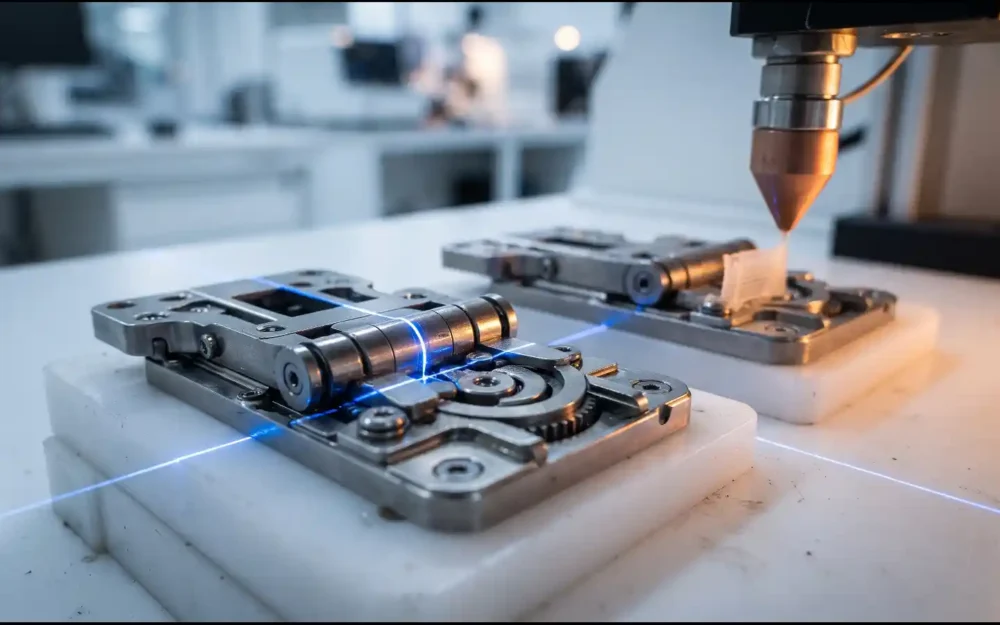
This also happens to be Ternus's first product launch as CEO, and it's a notably different kind of bet than the foldable iPhone Duo announced at the same event. A hinge either survives repeated folding or it doesn't, and that's testable. Whether people feel comfortable around always-available conversation transcription is a cultural question that plays out over months, not a teardown.
What to Watch
Watch for two things once Live Rewind and Siri Recap actually ship in beta later this year: whether independent security researchers get to examine Apple's Secure Exclave claims directly, and whether early adopters report the features capturing more than intended. Apple's own admission that Siri Recap could still surface sensitive information in its summaries, despite the guardrails, is the detail most likely to generate real-world complaints once this moves past the keynote stage.
Key Takeaways
- Apple's Series 12 and Ultra 4 gained four Audio Intelligence features at the September 9 'Surprise and Shine' event: Sound Recognition, Shazam-based Music Recognition, Live Rewind, and Siri Recap.
- Live Rewind surfaces the prior 15 seconds of nearby speech as text via a double press of the Digital Crown; Siri Recap generates ambient conversation summaries reviewable in a new standalone Siri app.
- Apple says no raw audio is recorded or stored, with processing handled inside a Secure Exclave on the S11 chip and outputs protected by end-to-end encryption, per the company's own privacy paper.
- Live Rewind and Siri Recap ship as English-only beta features later in 2026, and outside researchers have not yet independently verified Apple's privacy claims.
FAQ
Is there a monthly fee to use an Apple Watch?
No. Apple Watch's core features, including the newly announced Audio Intelligence tools, work without a required subscription. Optional extras carry their own costs, like an Apple Fitness+ subscription or a cellular data plan if you want the watch to work independently of a nearby iPhone, but Live Rewind, Siri Recap, and Sound Recognition don't require a separate fee based on Apple's announcement.
What cool things can my Apple Watch do?
With the Series 12 and Ultra 4, Apple added Audio Intelligence: Sound Recognition alerts you to sirens, alarms, doorbells, and crying babies using on-device AI; Live Rewind lets you double press the Digital Crown to see the last 15 seconds of nearby speech as text; Siri Recap generates AI summaries of entire conversations; and automatic Shazam integration identifies songs playing nearby.
Can the Apple Watch detect blood pressure?
Not in the sense of showing you a blood pressure number. Apple Watch offers hypertension notifications on Series 9 and later and Ultra 2 and later, which analyze optical heart sensor data over 30-day periods to flag signs of chronic high blood pressure. This is a separate, older feature from the Audio Intelligence tools announced this week and isn't part of the Series 12 audio launch.
What should I know before buying an Apple Watch?
If the new listening features are the draw, know that Live Rewind and Siri Recap require an eligible iPhone (16 or later, or 15 Pro and Pro Max) paired with a newer Apple Watch, and that both features are launching as English-only betas later in 2026 rather than being available immediately. Sound Recognition and Shazam integration are available at launch.