

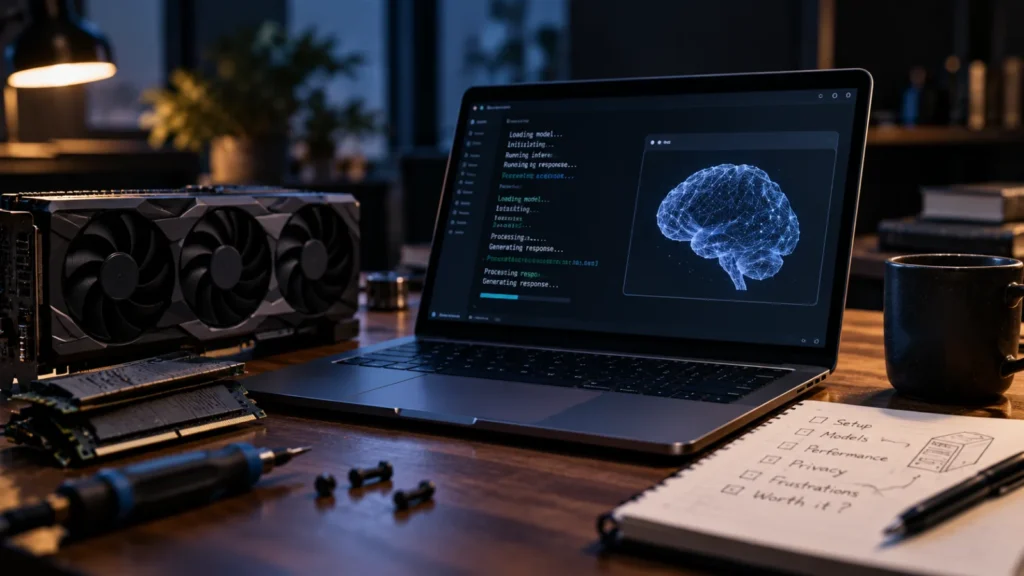
Is local AI worth it? One writer is working through that question in public. A diary-style piece published on 2026-10-11 reportedly follows someone who had avoided regular AI use, mainly because it meant giving cloud services their most personal data, and who has now started running models on their own computer.
The writer reportedly describes the experience as exciting, overwhelming and frustrating, and frames the stakes as money: is the technology useful enough to justify a computer or laptop with a lot of expensive memory? The diary is ongoing and the material available to us contains no verdict. BriefFlash has not tested any local model or hardware, so what follows is a framework for the decision, not a result.
What did the writer report so far?
Only the starting point. The writer reportedly says that handing personal data to cloud services has been a major hold-up, and that it is increasingly possible to run powerful models locally to see what they can do. The writer also says they will try to help readers work out whether the spending pays off. A photo caption in the piece reportedly refers to an early local AI agent experiment, which suggests an agent is part of the diary.
The material says nothing about hardware specifications, prices, model sizes, speeds or output quality, and it does not compare local results with cloud ones. We are not filling those gaps with guesses. Anyone using this story to justify a purchase should wait for those details.
What does running AI locally mean, and why does memory decide the price?
Running AI locally means the model’s weights are downloaded and run on your own machine, so your prompts and files need not leave it. Memory is the main limit. A model’s memory footprint grows with its size, and compressing the weights, known as quantization, shrinks that footprint at some cost in quality. That is why available RAM largely decides what a machine can run.
This is general background, not something the diary reports, but it explains why the writer’s complaint is about memory rather than processor speed. More memory lets a machine hold larger or less compressed models; less memory pushes you toward smaller or more heavily compressed ones. We are fairly confident in the mechanism and have no figures to attach to it.
Is local AI worth it? Cloud and local compared on privacy, cost and capability
Local AI trades convenience and peak capability for control, and the trade is mostly paid up front. The comparison below is BriefFlash analysis, not a finding from the diary.
| Factor | Cloud AI | Local AI |
|---|---|---|
| Privacy | Prompts and files go to a company’s servers | Data can stay on your machine, though the apps you use also matter |
| Cost structure | Ongoing fees that spread cost over time | Upfront hardware, with memory the main expense |
| Capability ceiling | Access to the largest models | Not guaranteed to match the largest cloud models |
| Setup effort | Sign in and start | Install and configure, which the writer reportedly found overwhelming at times |
Privacy deserves one caution. Where the model runs is only part of the picture, because the apps and tools wrapped around it also decide where your data goes. Local improves data control; it does not guarantee privacy.
Who should try local AI, and who can skip it?
People with a real privacy reason or genuine curiosity are the best fit. People who need the strongest available models, or who want no setup work, are probably better served by the cloud. That is our judgement from the trade-offs above, and the writer’s eventual conclusion may differ.
The cheapest decision point comes before any purchase. Try a small model on hardware you already own, note what is slow or poor, and only then price a memory upgrade. Check each model’s licence too: many downloadable models are open-weight, which is not the same as open source, and the terms vary.
What do we not know yet?
What we do not know yet: the writer’s verdict, the hardware used and its price, the model sizes involved, speed and quality compared with cloud AI, the licences, and running costs such as power. Until the diary reports those, treat it as a starting point rather than an answer.
Frequently asked questions
What does it mean to run AI locally?
It means the model’s weights are downloaded and run on your own computer instead of a company’s servers. Your prompts and files need not leave the machine, which is the main appeal for privacy-minded users. You trade that control for upfront hardware costs and more setup work than signing in to a cloud service.
Why does RAM matter so much for local AI?
A model’s memory footprint grows with its size, so the amount of RAM largely decides which models a machine can run. Compressing the weights, called quantization, lowers the footprint at some cost in quality. More memory therefore means larger or less compressed models, which is why memory-heavy computers cost more.
Is local AI more private than cloud AI?
Often, but not automatically. Running a model locally lets your prompts and files stay on your machine, which addresses the concern of sending personal data to a cloud service. The apps and tools used alongside the model also affect where data goes, so check them as well as the model itself.
Is local AI as capable as cloud models?
Not automatically. Running locally gives you control, but it does not guarantee the capability of the largest cloud models. How close a local model gets depends on its size and the memory available to run it. Testing a small model on your own tasks is the practical way to find out.
Do I need to buy new hardware to try local AI?
Not necessarily to start. Because memory limits which models you can run, a smaller or more compressed model may work on a computer you already own. Test that first and see where it falls short before paying for a memory-heavy machine. Whether an upgrade is worth it depends on how much you would use it.