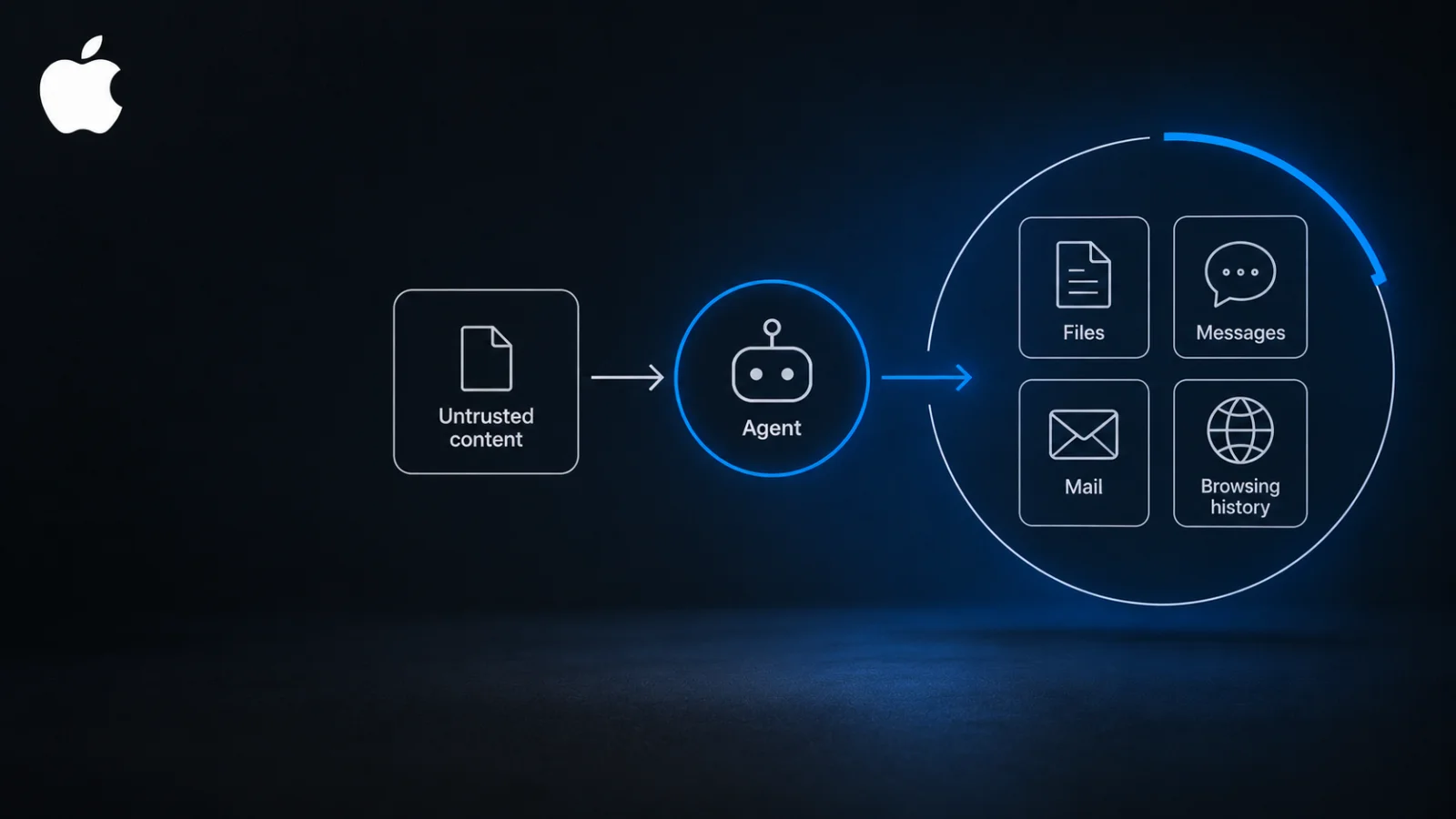
Apple has reportedly said it will add new controls around macOS Full Disk Access, because increasingly capable AI agents make broad access to a user’s files, messages, mail and browsing history riskier. The report is dated October 2, 2026.
That report carries Apple’s intent but not the mechanism, and we have not seen an Apple document describing the change. This piece explains what the permission exposes, why an agent holding it is a different kind of risk, and what remains unknown.
What has Apple said about the Full Disk Access change?
Apple has reportedly said it will add controls around the permission, and gave the rise of more capable AI agents as the reason. Both points come from a single report with only a short summary of Apple’s position. We have not seen an Apple announcement, support page or developer guidance, so we are not quoting or paraphrasing one.
That limits what can responsibly be said. The report does not describe what the controls are, when they arrive, which macOS versions get them or whether permissions already granted will change. It names no agent or company as a target and describes no incident. Apple’s stated concern is a risk warning, not a report of harm.
Nothing in it suggests Apple is blocking or banning AI agents. The reported change concerns controls on a permission, which is a narrower thing.
What does Full Disk Access let an app do?
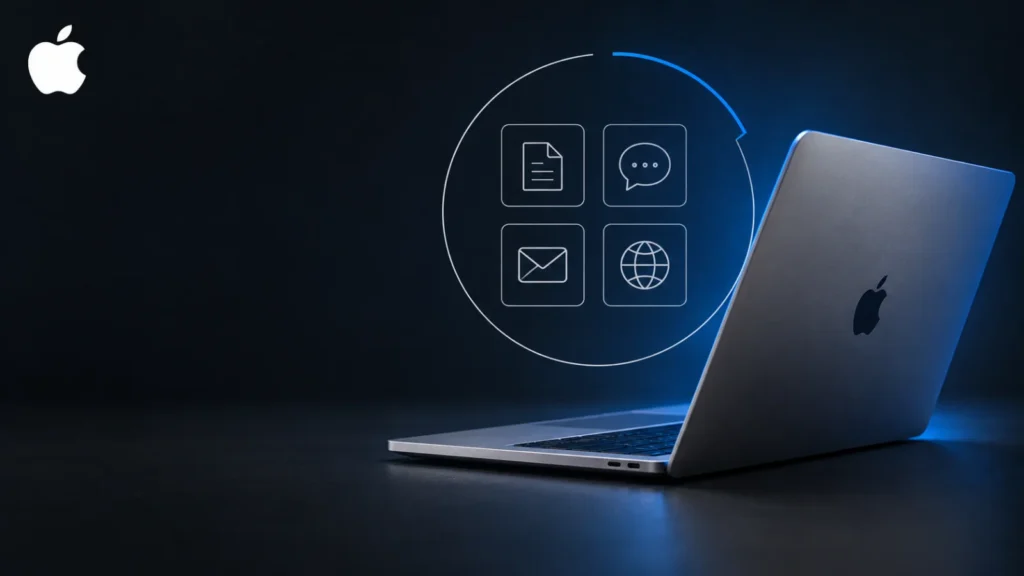
Full Disk Access is a macOS privacy permission that lets an app read data in locations the system otherwise protects by default. The categories reportedly at stake are files, messages, mail and browsing history. An app holding it can see much of what a person keeps and does on the machine.
Apple has a long-running habit of tightening privacy permissions in macOS over time, so a new layer of control would fit that pattern. That is general background, and we are not attaching past releases or dates to it. What is new in the reported plan is the stated reason: agents.
Why is an AI agent with Full Disk Access riskier than an ordinary app?
An agent reads content from outside sources and then acts on it, so the content can steer the access the agent holds. A conventional app with the same permission does not take instructions from the material it processes. This is BriefFlash analysis, not Apple’s stated reasoning.
Consider the inputs. An agent that summarises mail, browses pages or reads messages is taking in text written by other people. If that text contains instructions, the agent may follow them, and the files, mail and browsing history within its reach could then be exposed to whoever wrote the text. We are fairly confident in this as a general account of how agents work, but we cannot say how Apple weighed it.
| Question | Ordinary app (analysis) | AI agent (analysis) |
|---|---|---|
| Where does its input come from? | Mostly the user’s actions and its own shipped code | Also email, web pages, messages and other outside content |
| Who decides what it does next? | Behaviour the developer wrote in advance | The agent, based partly on what it reads |
| What shapes the reach of Full Disk Access? | What the code is written to do | The same, plus whatever the content it reads persuades it to do |
The comparison is a simplification. Ordinary apps have bugs that can be exploited, and many agents are built with limits. The point is a difference in kind: an agent’s behaviour depends on the content in front of it.
Who is affected if Apple changes how Full Disk Access works?
Three groups are most likely to notice, though the details are unknown:
- Mac users who run agents, coding assistants or desktop AI apps may see a different permission flow, if the controls change how access is granted.
- Developers who ship agent software for macOS and need broad file access to function may face more friction or need to rework how their tools ask for access.
- IT and security staff who manage Mac fleets may need to revisit which tools hold the permission and how it is approved.
Tighter permissions cost something. Legitimate tools can become harder to use, and a control that limits reach does not stop an agent from misusing access it was legitimately given. Safeguards that depend on a model behaving well can also be weakened, as research on how model safeguards can be weakened suggests, though that work is the authors’ own and unreplicated. That is an argument for limits the operating system enforces.
What do we not know yet about the new controls?
Most of the practical questions are open. The report does not tell us:
- What the controls actually are, and when they take effect.
- Which macOS versions they cover.
- Whether permissions users have already granted will change.
- Which agents or apps Apple has in mind, if any.
- How developers who need broad file access will be affected.
What should you watch for next?
Watch for Apple documentation or developer guidance, which would settle the mechanism. Watch also for reaction from the makers of agent and coding tools, and for whether the controls are per folder, time limited or per action. Those design choices would decide whether this is a minor prompt or a real shift in how agents work on a Mac.
Until then, one step costs nothing: open your system’s privacy settings, review which apps hold Full Disk Access, and remove any you no longer use. Nothing in the report says you must do this today. Teams weighing agent risk more broadly can read our piece on what enterprises should do about AI safety.
Frequently asked questions
What is Full Disk Access on a Mac?
Full Disk Access is a macOS privacy permission that lets an app read data in locations the system protects by default. The categories reportedly at stake in Apple’s plan are files, messages, mail and browsing history. Because the access is broad, it is one of the more sensitive permissions a user can grant.
Why would an AI agent be riskier than a normal app with the same permission?
An agent reads outside content such as email and web pages, then acts on it, so that content can influence what the agent does with the access it holds. A conventional app does not take instructions from the material it processes. This is BriefFlash analysis, not a statement from Apple.
Do I need to change anything on my Mac today?
Nothing in the report says you must. The form and timing of Apple’s reported controls are unknown. A sensible low cost step is to review which apps hold Full Disk Access in your system’s privacy settings and remove any you no longer use, especially agents or coding assistants.
Will this stop AI agents and coding assistants from working on macOS?
The report does not say so. Apple has reportedly said it will add controls around Full Disk Access, not block agents. Tools that need broad file access may face more friction, but how much depends on details Apple has not published, including whether controls are per folder, time limited or per action.